
Buy, Build, or Open Source? Stretching a Security Budget That Won’t Stretch
Running a security program is expensive, and Finance keeps saying no. Before you take up goose farming, here’s how to choose between buying, building, and open-source tools.
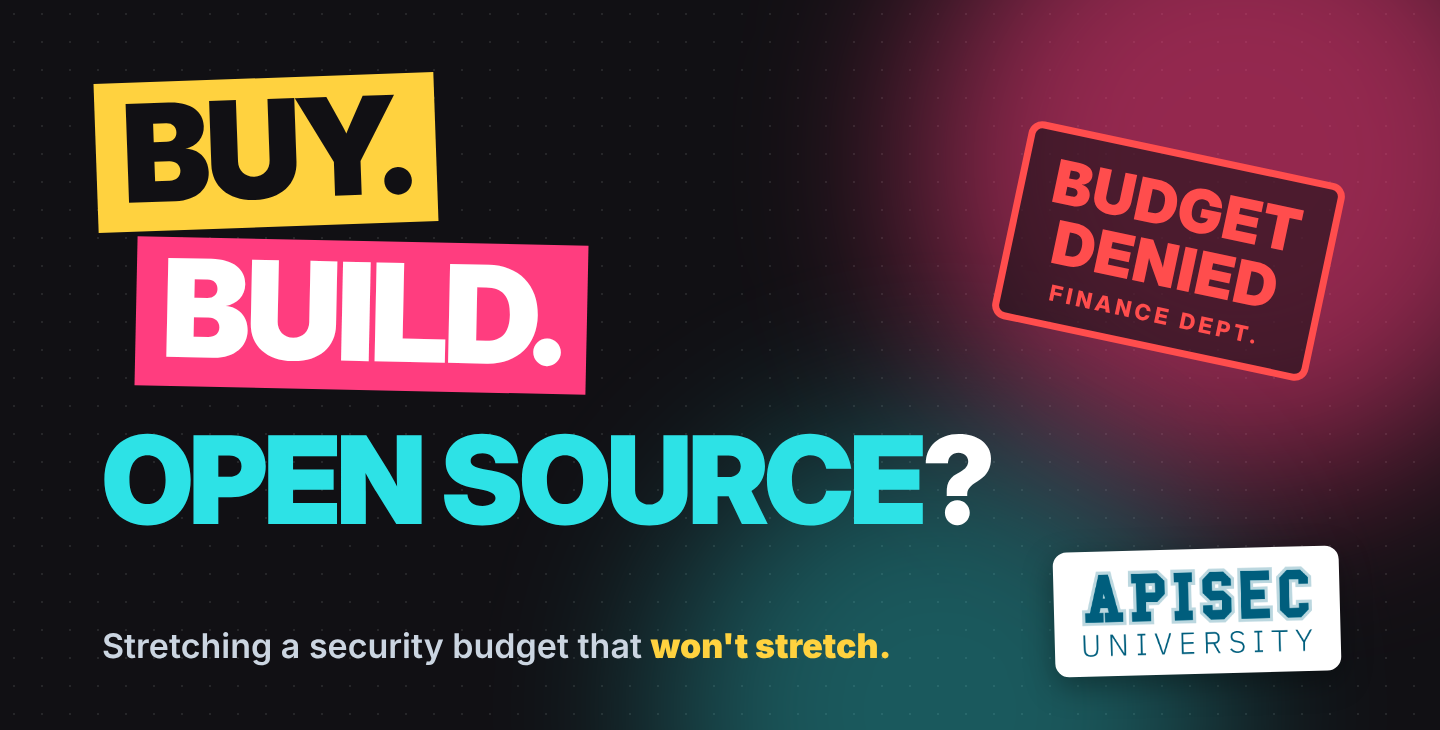
Over the last several years, I’ve found that it’s expensive to run a security program.
You know, scratch that. It’s REALLY expensive.
Once upon a time, money was incredibly cheap and easy to raise, and even cheaper and easier to borrow. If you could string together a few words on what your requested tool or service would do and how it’s become industry standard, your spending could be chalked up to “the cost of doing business” and through procurement by the end of your lunch break.
Those days are long-gone; the proverbial belt has tightened quickly and aggressively in response to everything getting more expensive. Layoffs are announced every few weeks, and if you want to witness an interpretive dance of “How to Say No Without Saying No”, ask your department’s Finance rep if you can buy a $100/month license for a critical tool. We’re even starting to hear a little shakiness on the previously-ramptant AI spending, especially where a significant degree of spend goes to waste.
So, to sum up the current situation: everything is way too expensive, AI only helps a little and only sometimes, and NO YOU CAN’T HAVE MONEY.
If we take these assertions as true, what do we do as security practitioners? Abandon our technological overlords and take up goose farming?
As tempting as this is, I hear it’s not all that lucrative either. Plus, in our line of work, it’s rare (but not impossible) to be attacked by quasi-feral migratory fowl on the job, which I find to be an outstanding and underappreciated perk of our cushy office jobs.
I propose that we pacify the adversarial relationship between the three primary modes of introducing new additions to our respective environments. In other words, I assert instead of preaching the Gospel of Homegrown Solutions as the remedy for the Doctrine of Buy-Your-Tools, we should take various factors into account and employ the right procurement method based on the most important factors to the organizations we work for. I also think we ought to not neglect the oft-forgotten open source options (OSS), which are generally free and sometimes better fits than pricey enterprise-grade options.
Buying Your Toys
I don’t know anyone that doesn’t like to buy a new tool, whether it’s a hammer or a vulnerability scanner. Sadly, it also tends to come up with the biggest upfront costs (emphasis added for foreshadowing), which you can sometimes haggle down if you promise to lock in a 3 year contract or offer to be the voice of a case study in 6 months.
The tradeoffs of buying enterprise tools are fairly transparent. You pay some money (sometimes a lot of money) to a company that lets you use their tool. They will also probably continue to work on their tool and provide you with cool features from time to time so you feel like you’re getting more value. Sure, they’ll probably bump up their subscription fees, but honestly and in full sincerity, if you feel like you’re getting at least your fee’s worth of value, it’s a win-win scenario.
What’s nice about buying from a company is that the company is (generally) responsible for securing the tool. Depending on the deployment method (cloud vs. on-prem being two of the more common ones), the awesome folks Center for Internet Security made a nifty concept called the shared responsibilities model that determine who is responsible for various aspects of security. If you’re not managing on-prem deployments, the cloud provider that sold you your tool has a significant degree of responsibility for ensuring the tool is reasonably safe when you buy it and to maintain its security over time.
Building Cool Doodads
Once upon a time, you either had to fumble through dusty JavaScript tomes or brave StackOverflow for guidance on building web-based tools or nifty CLI utilities. Vibe coding has made it as easy as snagging a paid subscription from your friendly neighborhood frontier AI lab and having a heated argument with the coding harness about why half your buttons are off-center.
Building your own tools gives you unparalleled flexibility and control over what your tools do and they do it. There’s no fighting with another company’s product and support teams, trying to explain what you want and why their approach just doesn’t quite well enough. However, building your own tools means YOU have to maintain them, and there is nobody else to blame if (read: when) it starts breaking and dependencies go out of date.
Also, security obligations come into play more aggressively when you own the tool. Remember that shared responsibilities model we mentioned above? Well, that shifts this obligation onto you because you now have control over the code, which means both responsibility and accountability for keeping it secure fall on you. Ultimately, decisions about architecture, hosting costs, efficiency, and ongoing management will fall to you or those around you, so while it’s free to start, the cost always finds a way to tap your wallet and your time.
Strolling through OSS Country
Open source has long been a popular avenue for hobbyists and professionals alike, and most people don’t fully appreciate how much of the world runs on OSS. Linux, Python, git, cURL, and countless other projects are used in just about every environment. While many don’t have the same bootstrapped UI that today’s enterprise tools tend to have, a little time in the docs will generally get you the intended results before long.
Getting started with OSS is usually pretty easy; downloading an installer from the browser or a classic ```<packageManager> install XYZ``` is usually all it takes. Even better, OSS is usually free, which is great when you’re working on a budget (though you should absolutely provide financial and other forms of support to the open-source tools you use and love). This does mean that your tools are dependent on a team of folks that likely volunteer their spare time to these tools as an act of community support and passion for technology, so you won’t get everything you want in the tool just because you use it. If you run into this situation and have (or are willing to learn) the necessary skills, try building the new features yourself and contribute to the ever-expanding and critically-necessary open source ecosystem.
Security for open-source is an interesting situation. Another party maintains the code, and they likely also provide regular updates with both functional improvements and security patches. As long as they do that, they’re meeting their responsibilities, and you meet yours by installing the updates in a timely manner. Sure, it takes time and effort, though when budget is strapped a few cron jobs or weekly patch cadence is a palatable alternative to expensive managed options.
In Conclusion
There are a lot of passionate debates in various communities about Buy vs. Build, and rightfully so. We’re proud of our programs, of the time and effort we’ve put into them, and the outsized impact we can have on our organizations by being effective stewards of our company resources.
Thankfully, these aren’t zero-sum options, and most teams will run on a healthy yet variable balance of tools they bought and built-in-house resources. While there will almost certainly be a significant quantity of OSS included, it is unfortunately rarely seen as a viable option, and I think it’s time to change that.
After a colleague shared it with me, I recently wrote about APIsec’s AI Surface, which fills several needs I’ve been hard-pressed to find in most enterprise tools. Lots of other open-source tools are just as easy and free to use, we just have to take some time to find and test them. Take some time today to look for more OSS options that may fit your program, and see how much further you can stretch your budget and solve some of the gaps in your program.
Latest Articles
Buy, Build, or Open Source? Stretching a Security Budget That Won’t Stretch
Running a security program is expensive, and Finance keeps saying no. Before you take up goose farming, here’s how to choose between buying, building, and open-source tools.
MCP Security Best Practices for Enterprises Using LLMs in Production
Secure your MCP servers with proven practices. Prevent tool poisoning, credential theft, and prompt injection in enterprise AI systems
How MCP Security Skills Boost Your Cybersecurity Profile
MCP security skills help cybersecurity professionals stand out. Build expertise in tool poisoning, prompt injection, and AI agent security.
Buy, Build, or Open Source? Stretching a Security Budget That Won’t Stretch
Running a security program is expensive, and Finance keeps saying no. Before you take up goose farming, here’s how to choose between buying, building, and open-source tools.
MCP Security Best Practices for Enterprises Using LLMs in Production
Secure your MCP servers with proven practices. Prevent tool poisoning, credential theft, and prompt injection in enterprise AI systems
Earn your APIsec University Certificate
Earn an APIsec University certificate and badge for completing any of our courses.
Post your badge on LinkedIn and share your accomplishments. You can even receive CPE credits for taking these courses.


